Different answers on different channels.
Chat says one thing, the callback says another, the email says a third, because no single system holds the whole picture.
One AI layer over the systems you already run. Here is everything it does. Click any of them.
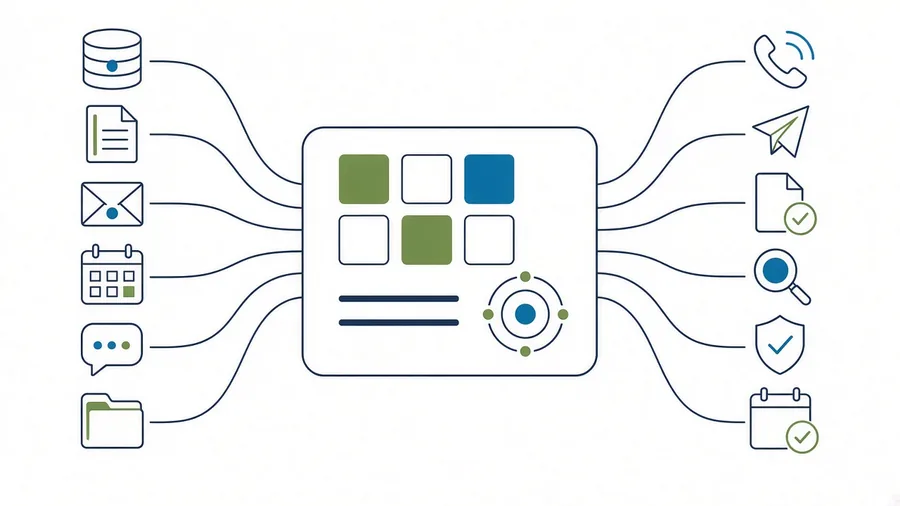
Connects to Salesforce / Litify / your document system / Microsoft 365 / SharePoint / meeting transcription / anything with an API What connects today
Measured, not modelled.
AI gets better the more of the case it can see. That is the whole mechanism, and it is why buying five separate tools does not add up to one good one. The medical indexer cannot see the negotiation history. The intake bot does not know what the client said on the phone last week. The demand tool has never read the adjuster emails. Each one answers confidently from a fraction of the file, and none of them can answer the only question your client is actually asking, which is where things stand and what happens next.
Six things follow from that, and every one of them is structural rather than a discipline problem:
Chat says one thing, the callback says another, the email says a third, because no single system holds the whole picture.
Two tools produce two numbers, nobody knows which is right, and staff go back to doing it by hand. Most AI rollouts die here, months after the invoice cleared.
Every additional tool is another vendor holding protected health information, another agreement to review, another vendor questionnaire to answer.
You built careful access rules in your case system. Each bolt-on rebuilds them loosely, or not at all.
When it matters, you have to show where an answer came from. Across five products, there is no one trail to follow.
Real, but a symptom rather than the disease. The specific thing to watch is markup on model consumption that the vendor will not break out for you.
Large firms hedge by buying three platforms at once. A twenty to two hundred seat firm cannot do that. You get one choice, and it has to be right.
Mayeshal does not replace the platforms you run and does not ask your business to move. It connects to whichever system holds your records, mirrors them into a database that belongs to your tenant alone, reads the documents and email that sit around them, and puts one governed layer on top. Every write back into the source system is staged, whitelisted and approved by a person before it lands.
Mayeshal does not replace your case management system and it does not compete with it. Your platform stays the system of record, the permission model you already built stays in force, and nothing is written back into it without a person approving it.
Architecture diagram. Your case management system at the centre, with Mayeshal as a layer above it, connected to the document store, Microsoft 365 or Google Workspace, and your own AI provider accounts. Every write back into the case system passes through an approval gate.
Mayeshal control planeOne layer, not fiveVertical packs for other practice areas and for registered investment advisers compose onto the same control plane. See the platform page
Not a feature list. This is the actual work it takes off your team, ordered by what it is worth to you, starting with the calls you are missing and the money sitting in a draft folder. Click any of them for the detail.
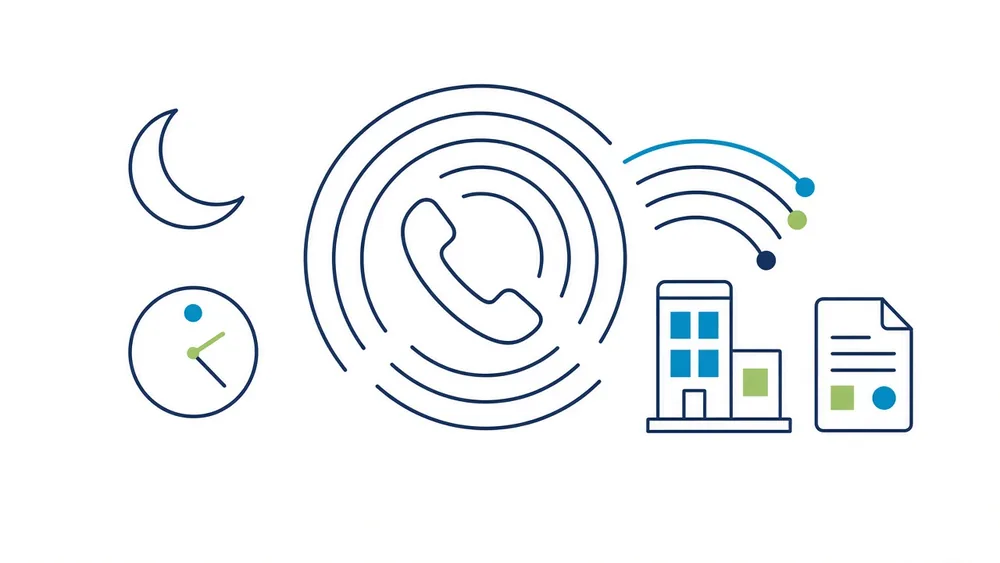
Your phone answered at two in the morning, in your own script, and calls that go out on their own.
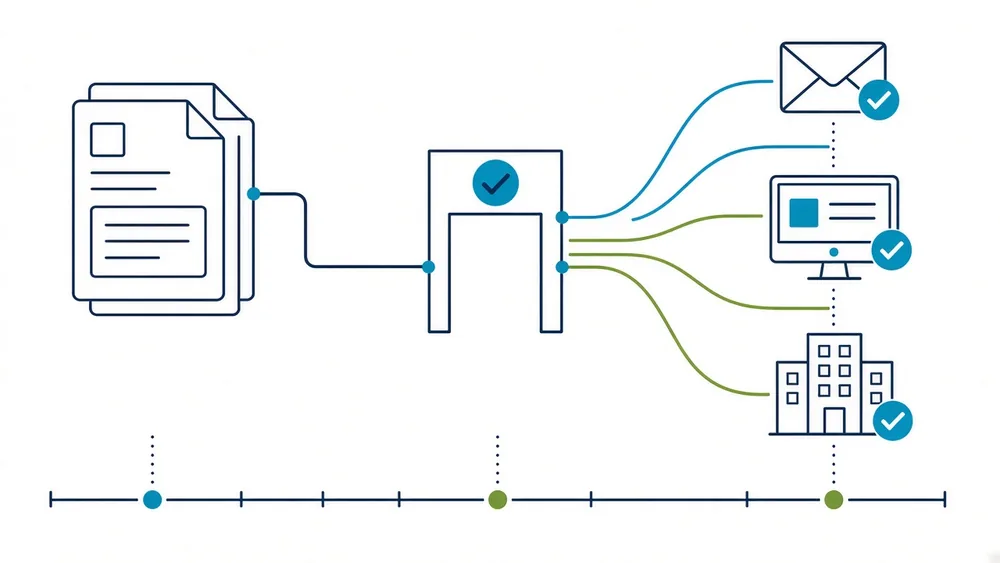
Demands, adjuster letters and client notices leave the building instead of sitting in a draft folder waiting for someone to copy the text out.
What has not come back, what is unanswered, what is past its date, surfaced across the whole book of work rather than one file at a time.
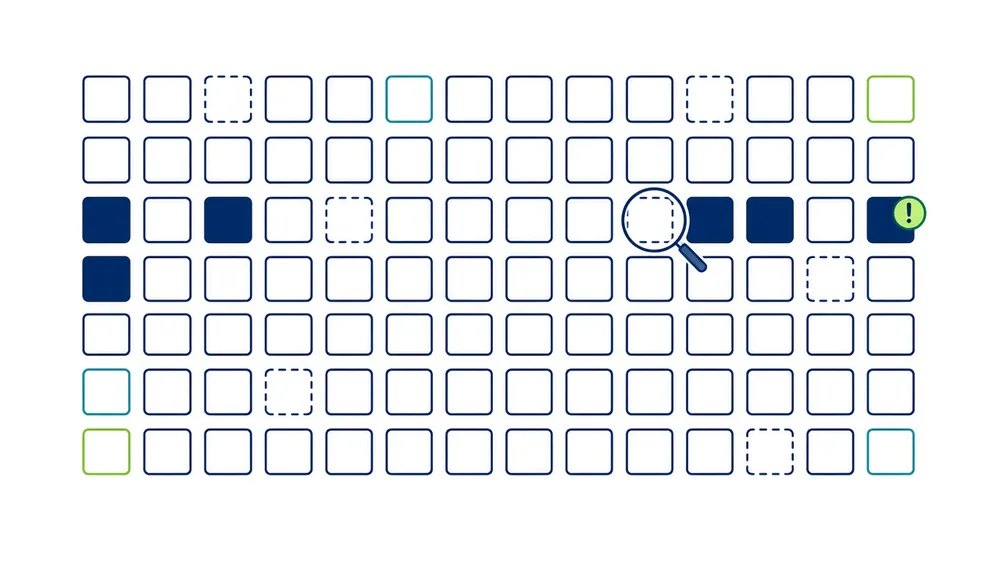
Scanned pages and handwritten records treated as readable, at volume, with the read status recorded per page so nothing is silently skipped.
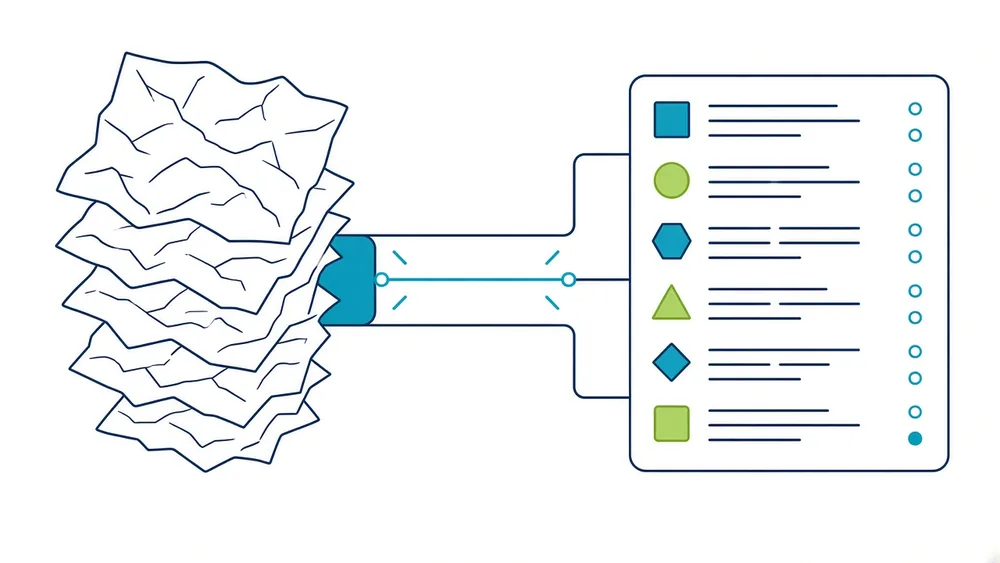
Past pre-litigation and into the filings the case actually needs, drafted from the matter record and the document corpus.
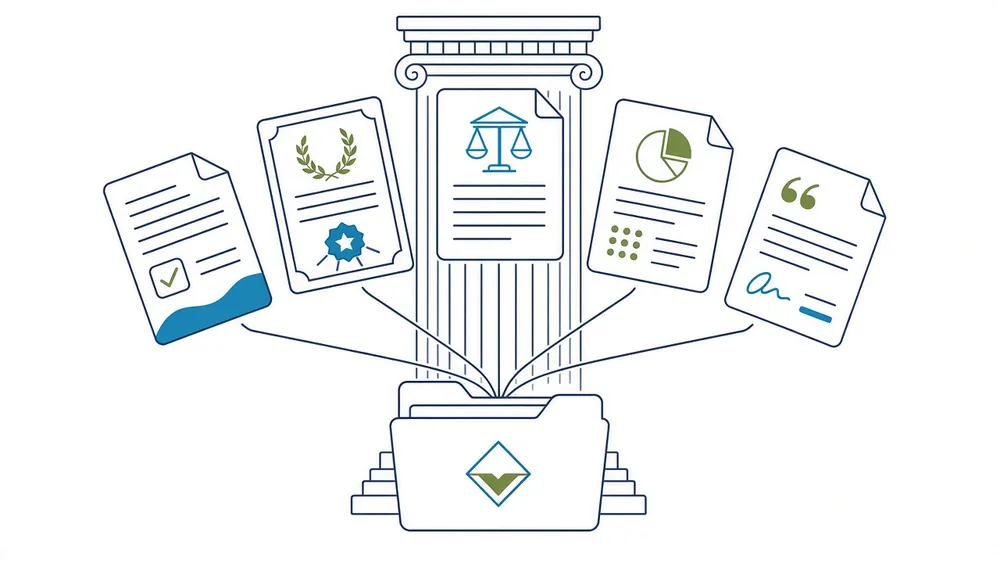
One question. Answered from your records, your documents, your email and your meetings together, under the permissions the asker already has.
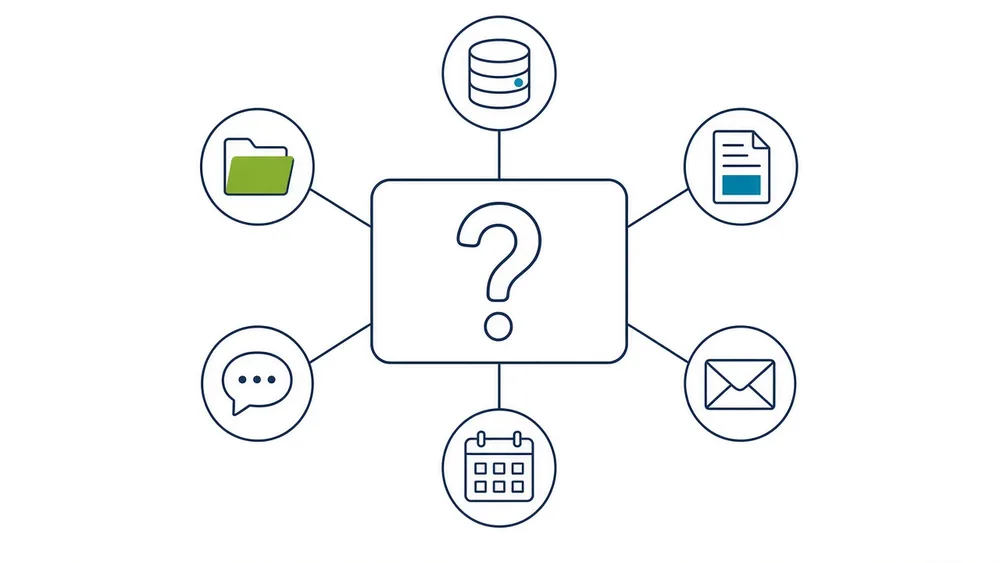
Pull the facts out of several systems at once and build the document from your own template, with the numbers filled in rather than retyped by a person.
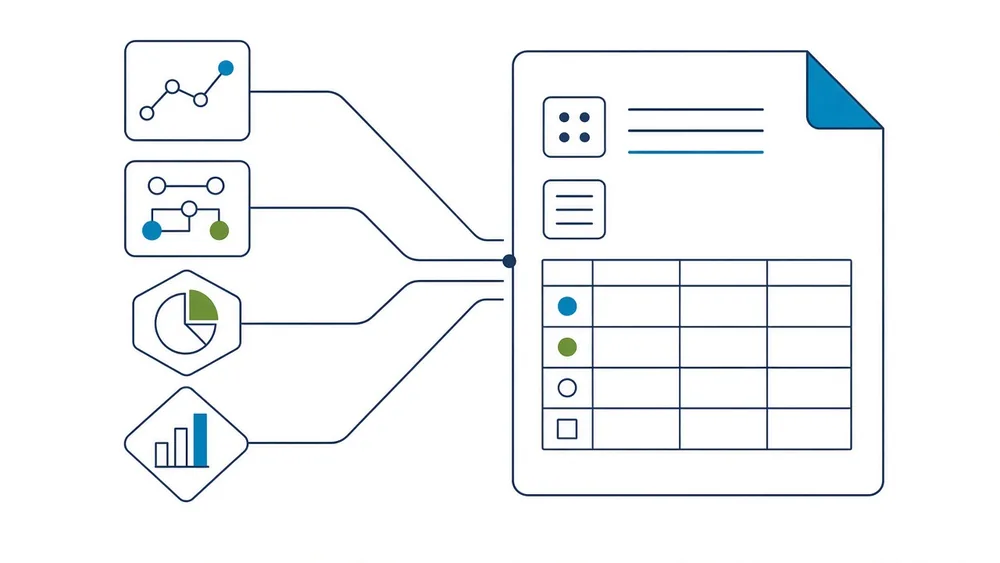
Case law search where every citation is verified against the primary source before it can reach a draft, and the same treatment for research outside law.
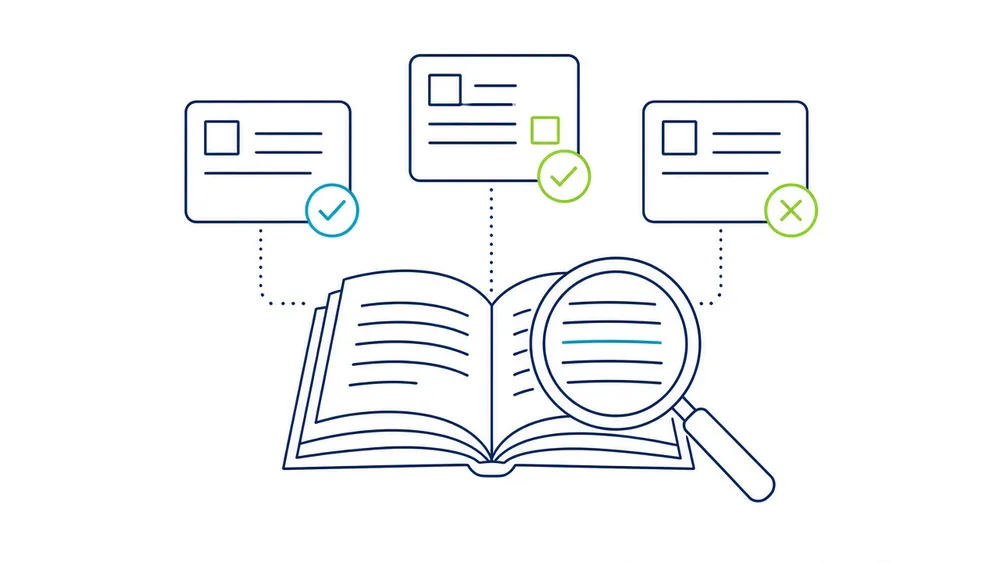
Every answer carries the document and the page number behind it. The link opens the file at that page, so a person can check the work in one click.
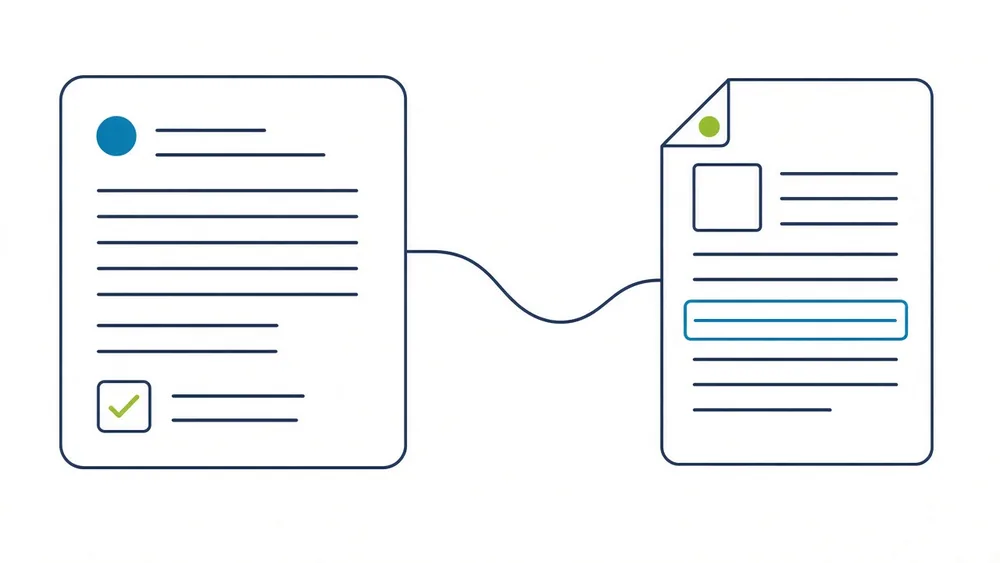
A brief before a meeting, a call or a deadline, drawn from everything the organisation already holds about that relationship.
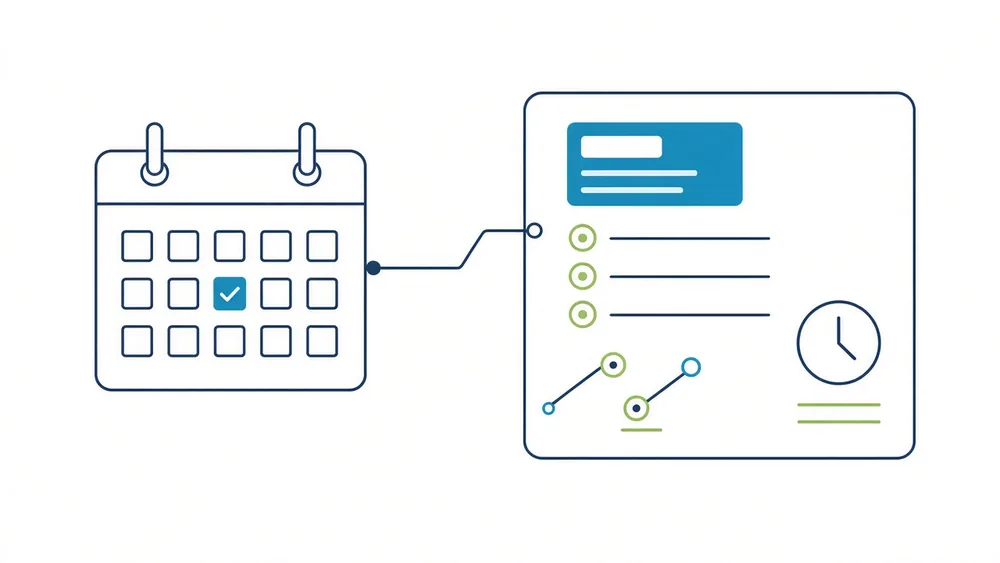
Drafting is automatic. Sending is not. Every outbound item and every write back into your system of record waits for a named person to approve it.
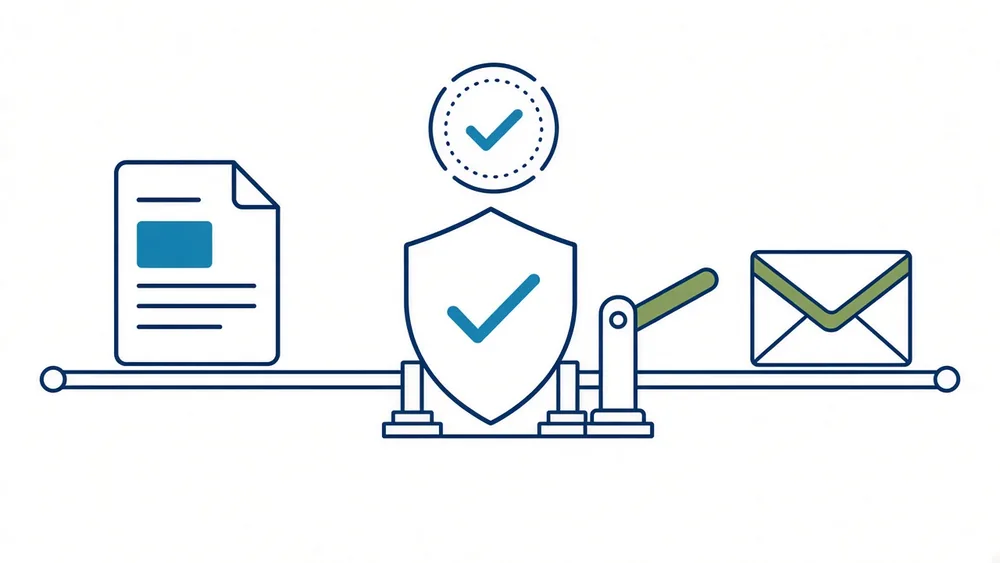
A pack is the vocabulary, the records and the routines of one industry, composed onto the same control plane. The floors underneath do not change. Micronetbd has run operations across ten industries, which is where the packs come from.
Five tools each see a fifth of the case. Records, deadlines, negotiations and the document file never sit in one place.
Live in productionSpecification, supplier and packaging data spread across systems that were never introduced to each other, and a person retyping between them.
First customerClient records, books and records obligations and an examiner who wants to see what you knew and when.
Pack signedClient documents arriving as PDFs and email, and a person moving them into a spreadsheet by hand.
First customerYour platform vendor's own AI is genuinely the right place for a lot of businesses to start, and where it fits we will tell you so and help you implement it. The point solutions are genuinely good at the one job they do. Here is where each option stands for a twenty to two hundred seat firm, including ours.
Scroll the table sideways to compare.
| Option | Sees | Where it stands |
|---|---|---|
| Your case management platform's own AI | What the platform holds | Deepest inside the system of record, inherits the permissions you already built, and the fastest thing on this list to turn on. Scope is the platform, so email threads, meeting notes and documents that live outside it stay outside the answer. The right place to start |
| Point solutions for demand drafting and medical records | One job, very well | Purpose-built and often better than a general system at the single task they were built for. Each one is another login, another agreement, another security review and another copy of your clients' records with another vendor, and coverage usually stops where litigation begins. Deep on one job |
| Enterprise CRM AI add-ons | The CRM, with enterprise governance | Real governance depth and a support footprint no small vendor can match. Priced and scoped for organisations far larger than a two hundred seat firm: the base licence, the data layer, the integration middleware and the consumption all stack. Built for a bigger buyer |
| General purpose chat assistants | Whatever you paste in | Cheap, excellent, and already on your team's phones, which is the actual situation. No view of your case system, no firm audit trail, and nothing to show a bar authority about what was verified. No case context, no audit trail |
| Build it yourself | Whatever you build | Total control, and the models really are just an API. Twelve to eighteen months before the first useful screen, then the permission model, the audit log, the connector maintenance and the on-call are yours forever. You own the maintenance |
| Mayeshal | The whole picture | One layer on top of the system of record you already run. Reads every document page by page, cites the page, drafts from your own templates, and writes back only through an approval. Your database, your AI accounts, one audit log, a defined exit package. Fills the gap |
Today the record lives in one system, the documents in another, the email in a third and the meeting in a fourth. Mayeshal does not move any of it. It reads across all of it and returns one answer, with the page it came from attached.
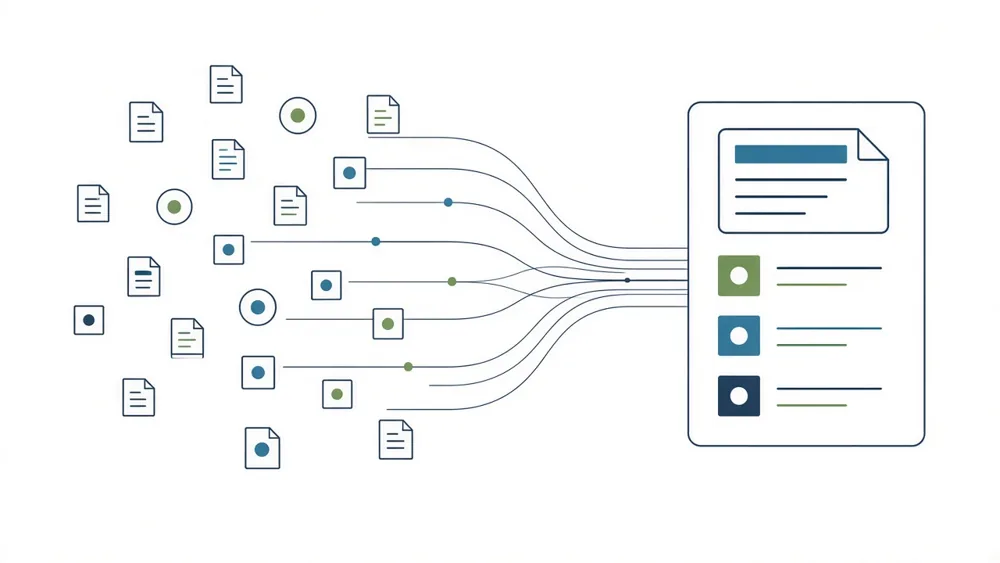
Read-only OAuth into your case management system, your document store, and Microsoft 365 or Google Workspace. No migration, no export, nothing moves.
Every object on the matter is copied into a database that belongs to your tenant alone, refreshed on a five-minute tick for the busy objects and a full pass nightly. Records are never deleted from the mirror, they are labelled live, archived, deleted or purged, so a record your case system removed is still there when someone asks what happened.
Every document is opened page by page. Text layer where there is one, optical character recognition for typed text on scanned pages where there is not, a vision model for photographs. The status of every page says how it was read, so nobody mistakes a recovered rendering for the original.
Every answer is tied to a document and a page number that opens. Where the record does not support a conclusion, the system says so and names what is missing instead of estimating.
Letters and packets assemble deterministically from your own templates and your own clause library. On a demand letter, exactly one part is written by a model, at temperature zero so the same facts produce the same words. Everything else is arithmetic and your firm's own language.
Nothing reaches an adjuster, a carrier or your case system without a person approving it, and a contamination check that fails closed. A draft that names an identifier from another client's file cannot be approved, cannot be packaged and cannot be sent.
These are operating numbers from a live production tenant, not projections. Each one counts a different thing: 44,956 documents were catalogued, 331,486 pages were indexed, and 37,852 of those documents were given an AI summary, which averages out at about $0.0039 a summary across the whole corpus. We publish these rather than a return-on-investment calculator because nobody in legal can currently measure return on investment, and a number you can check is worth more than a number we can model.
Six things Mayeshal does not do today. Some are in build for fall 2026, some are not on the plan at all. You will find out in week two anyway, so you may as well find out now, and a vendor who will not tell you what is unfinished is telling you something.
Voice agents, outbound dispatch, the litigation suite, legal research with citation verification and production optical character recognition are in build for fall 2026. If any of them is on your critical path, say so on the call and we will give you the real date rather than the hopeful one.
That is the right question to ask every AI vendor you are evaluating, including us. Here is our answer.
Not a row filter in a shared table. Your tenant gets its own PostgreSQL database, provisioned when the tenant is created. A dump of another customer's database contains nothing of yours.
The provider accounts are created in your firm's name and billed to your firm's payment method at published rates. Standard paid API terms already exclude prompts and responses from model training, so that protection does not depend on us negotiating anything on your behalf. You see the raw provider invoices. We add nothing to them.
If your firm configured it, generated it, uploaded it or produced it, it is yours. The platform itself is ours. That test is written into the contract, not into a marketing page.
Every tool call, every admin action, every approval, logged with the user, the timestamp and what was touched. One trail, because there is one system.
Configurations in structured formats, your stored data in JSON, CSV and PDF, a full copy of your tenant database under a data transfer agreement, documentation of the configuration state, and a transition period of read access to verify before anything is shut down.
Of the eleven legal AI vendors we checked in September 2026, one publishes a price. We think that is backwards. A flat monthly subscription per tier, a fixed setup fee, and the AI consumption billed directly to you by the provider at published rates with nothing added.
Every tier includes the whole platform and one vertical pack. AI consumption is paid to your provider directly. We never mark it up.
Micronetbd has been building enterprise systems since 2012 and working in the legal vertical since 2019. We are a Salesforce Silver (Ridge) Consulting Partner, a Filevine partner, a Litify partner and a DocuSign consulting partner, and we are SOC 2 Type II at the company level. Mayeshal is not a startup's first product. It is the productised version of the operations platform that has run our own consulting business since 2023, rebuilt as multi-tenant software with a database per customer.
We also still do the implementation work, which is why the integration layer is not a demo. When your Litify configuration has a field that does not behave the way the documentation says, we have already met it.
Four weeks on Growth, eight on Professional, twelve on Enterprise, depending on how many systems have to be connected. Once the platform is live, a vertical pack installs in two more weeks.
At ILTACON 2026, Holland & Hart's enterprise applications director named the bar publicly: more than 70% weekly active users, and if you are below it, "you might be purchasing shelfware." That was reported by the Thomson Reuters Institute on 31 August 2026. We report weekly active users to you against that number at every checkpoint. If we are under it, that is our problem to fix, not yours to explain.
Thirty minutes, on a screen share, on a matter you pick. We connect nothing, install nothing and ask for no credentials to have that conversation. If it is not obviously useful in the first ten minutes, we will tell you so and you get your afternoon back.